More Pentests Without More Pentesters: Where AI Safely Helps
Penetration testers spend a significant portion of their engagements on documentation, reporting, and other tasks outside of testing. PentestPad explains how AI can reduce this workload, help teams handle more engagement
More Pentests Without More Pentesters: Where AI Safely Helps
PenTestPad
- November 25, 2026
- 10:00 AM
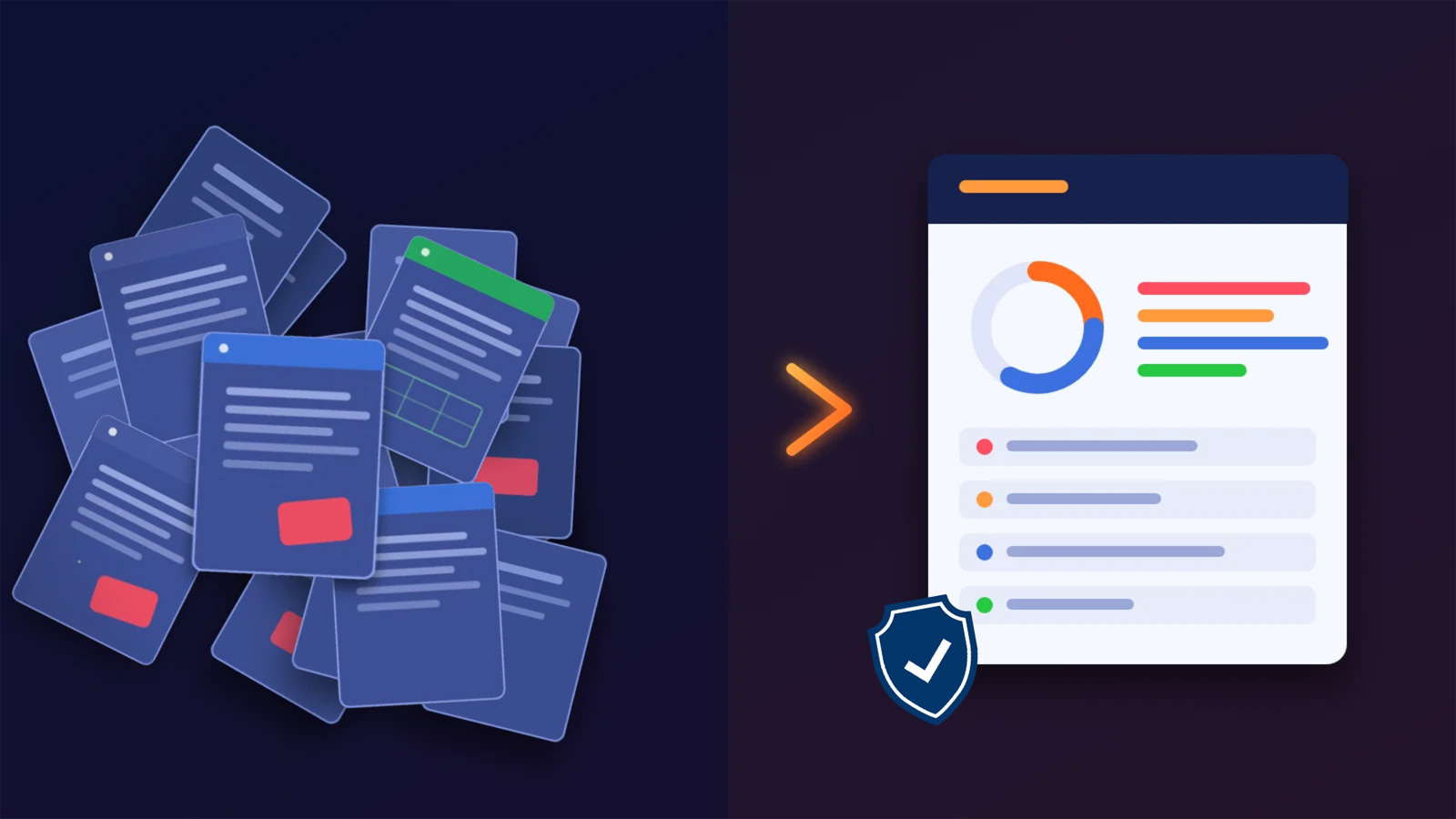
Demand for penetration testing keeps rising, be it due to DORA threat-led testing, NIS2, or customer security questionnaires. However, supply often cannot keep up.
Experienced testers are scarce, take months to hire and train, and every one of them spends part of each engagement on work that is not testing. For a company that sells hours, that unbillable part is the margin.
This article shows how to measure it, which parts AI can take over, and how to do that without sending client vulnerabilities to someone else's servers.
Step 1: Measure where an engagement's hours go
Most companies track billable testing time and lack a number for the rest. If you tag the last ten engagements by phase, the picture usually changes:
|
Phase |
What to count |
Share of hours |
|
Scoping and kickoff |
Calls, scope documents, access setup |
8% |
|
Testing |
Recon, exploitation, validation |
50% |
|
Documentation |
Writing findings, screenshots, formatting |
22% |
|
Review |
Senior QA, rework, client comments |
8% |
|
Delivery and retest |
Report handover, status questions, retest |
12% |
Two ratios matter: documentation plus review as a share of testing time, and calendar days from last testing day to report delivery. The first sums up to the hidden cost, but only the second is what clients feel.
Step 2: Decide what AI should and should not do
The tasks that suit a language model are the ones where the tester already knows the answer and needs it written down:
- Drafting finding text from tester notes, using your own vulnerability library as the template, so tone and structure stay yours.
- Normalizing and de-duplicating scanner output from Burp, Nessus, Nuclei and similar tools into one set of draft findings.
- Consistency review: missing remediation, severity that does not match the CVSS vector, the same issue worded three ways.
- Executive summary drafts, built from the validated findings and then edited.
It will be helpful to decide beforehand in what capacity to keep humans on severity decisions, exploit validation and anything the client will rely on as a statement of fact.
A model that confidently describes and is set to run an exploit chain that nobody verified can be is worse than no help.
Run More Pentests With the Same Team, Using AI That Stays In-House
PentestPad covers the whole engagement, from scoping and scanner imports to findings, client delivery and retests.
Its AI can run against a self-hosted LLM inside your own network.
Book a DemoStep 3: A reference workflow
- Import scanner output and tester notes into one project as draft findings.
- Pull in matching entries from your reusable vulnerability library.
- Let the model rewrite each draft in your house style. The tester edits and approves.
- Attach evidence to the finding at the time of capture.
- Senior reviewer works through comments on the report itself, not email.
- Export the branded report (DOCX or PDF) or deliver it through a client portal.
- Track remediation and retest status on the same findings.
If an AI agent is part of the process, give it a defined interface rather than a free hand. A typed tool interface (for example MCP) lets an agent create findings or fetch a project while permissions, audit and the data boundary stay in the platform.
Three numbers can be tracked:
- Documentation-plus-review hours as a percentage of testing hours.
- Days from last testing day to delivery.
- Rework rounds per report.
If the first two fall and the third does not rise, the change is working.
Doing this in practice
One way to do this in practice is by using PentestPad.
It’s is a pentest reporting and project-management platform designed around this workflow: 20+ imports (Burp Suite, Nessus, Qualys, Nuclei, OpenVAS, CSV, JSON), reusable vulnerability templates, a CVSS calculator, custom branded DOCX/PDF/XLSX reports, a white-label client portal, an AI writing assistant that can run against your own self-hosted LLM, an MCP server for agents, and a choice of EU cloud or full self-hosting.
| Area | Detail |
| Deployment | Managed EU cloud, or fully self-hosted including air-gapped, on every plan |
| AI | Hosted, or pointed at a self-hosted LLM in your own network |
| Agent tooling | MCP server, plus a CLI agent for macOS, Linux and Windows |
| Compliance | EU-based entity, GDPR, ISO 27001 certified |
| Export | DOCX, PDF, XLSX and API |
| Integrations | Two-way Jira sync, imports from Burp Suite, Nessus, Qualys, Nuclei, OpenVAS, CSV and JSON, REST API, MCP |
Built for agents as well as people
PentestPad is built to be driven by software as well as by a person at a keyboard, and the model doing the driving can sit inside your own network.
The writing assistant works from what a tester already has. Hand it scanner output, a Burp finding, a screenshot or a log file, attach the evidence, and it returns a structured finding written to the instructions your organization has defined, so the draft arrives in your format rather than a generic one.
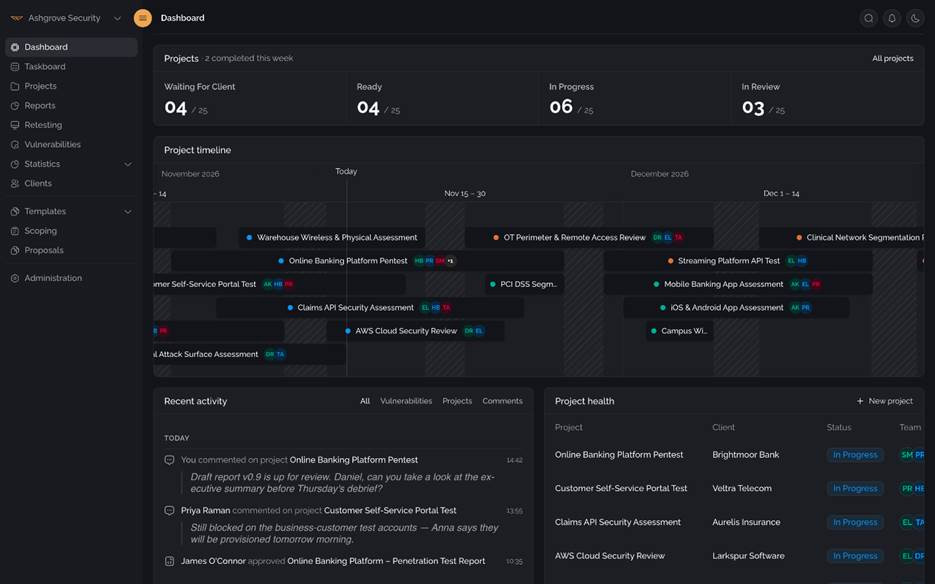
PentestPad is the knowledge base, a local model does the reasoning, and a terminal harness is wired to both.
Access to the context of the tested environment greatly helps PentestPad outperform other generic automated vulnerability detection tools.
The rest of the platform at a glance
A short tour of what else is in PentestPad, for readers who want the full picture:
- Reporting. Findings are added directly from terminal to the PentestPad platform. Custom branded templates, DOCX, PDF and XLSX export, encrypted PDFs with a password you set, and a built-in CVSS calculator.
- Proposal management with project scoping.
- Jira sync. A two-way Jira sync, so a finding becomes a ticket with its reproduction steps and priority, and when a developer marks it done the finding moves to ready for retest, and back to open if the retest fails.
- Findings. Reusable vulnerability templates, with evidence attached to each finding when you capture it.
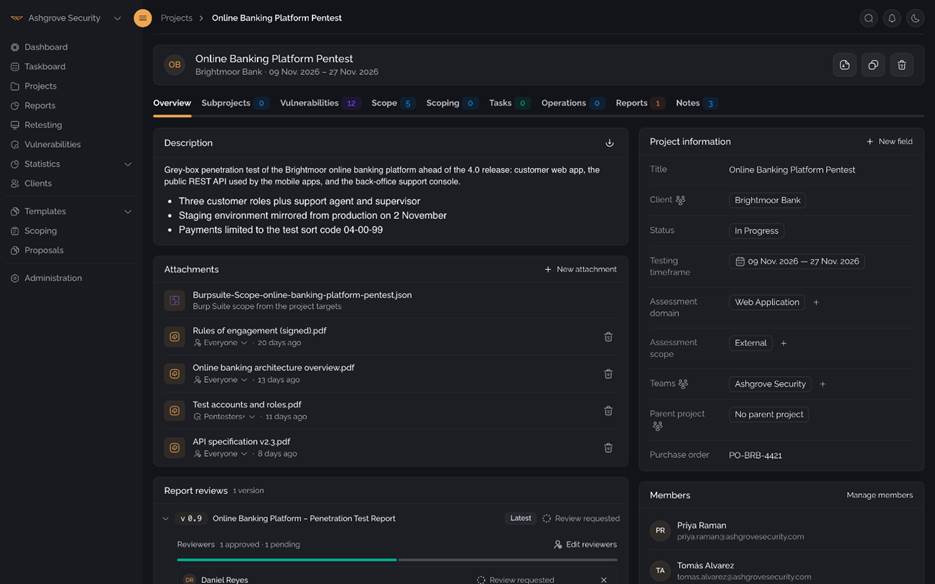
- Interoperability. CSV and JSON exports, and the 20-plus imports from tools such as Burp Suite, Nessus, Qualys, Nuclei and OpenVAS.
- Project management. Engagements, findings and retests in one place, which the company says cuts project-management overhead by around 60%.
- Client portal. White-labelled with your logo, colours and domain, and a 2FA screen. Clients see only their own findings.
- Forever free additional resources like reporting documents and vulnerability templates.
“It's definitely an essential tool for those in our line of work. Once you try it, you won't want to go back.” – Luca Epifanio, CEO, Bitcube Security
"Where a client's findings are allowed to live is decided by the team holding them, and for many that means nowhere outside their own infrastructure. That is the requirement we built the AI around, so the model runs wherever a team needs it to, including entirely inside their own network." – Luka Šikic, CEO, Secure Block.
Book a free consultation with a PentestPad expert today!
Sponsored and written by PenTestPad.
Originally published by BleepingComputer. Aggregated on AIWithGhost for educational purposes — full credit and traffic to the original publisher.